Cometrace
Quickstart: self-host
You need
- A Linux server with Docker.
- Port 8080 (UI) reachable by your team, port 4318 (OTLP/HTTP) reachable by your services.
Run the container
Signals and settings live in the /data volume. Keep it across upgrades.
docker run -d --name cometrace \
  -p 8080:8080 -p 4318:4318 \
  -v cometrace:/data \
  comettrace/cometrace:0.0.0
Copy the setup token
On first boot the server prints a one-time setup token in its log.
docker logs cometrace 2>&1 | grep "setup token"setup token: cmt_st_8Fq3vK9mXt2RnW7bLpZ4yH6dCreate the first admin
Open http://your-server:8080, paste the token, then choose an email and a password of at least 12 characters. You land in your workspace as its admin.
Create a project and an ingest key
In Settings › Projects, create a project for the service you want to instrument. Then in Settings › Ingest keys, issue a key for it. Ingest keys start with cmt_ik_.
Send a span
Any OpenTelemetry SDK or Collector works; there is no Cometrace SDK.
export OTEL_EXPORTER_OTLP_ENDPOINT=http://your-server:4318
export OTEL_EXPORTER_OTLP_HEADERS="authorization=Bearer cmt_ik_…"
export OTEL_SERVICE_NAME=checkoutexporters:
otlphttp/cometrace:
endpoint: http://your-server:4318
headers:
authorization: Bearer cmt_ik_…
service:
pipelines:
traces:
exporters: [otlphttp/cometrace]
logs:
exporters: [otlphttp/cometrace]
metrics:
exporters: [otlphttp/cometrace]curl -X POST http://your-server:4318/v1/traces \
-H "content-type: application/json" \
-H "authorization: Bearer cmt_ik_…" \
--data @span.jsonRestart your service with these variables. Logs and metrics use the same endpoint and key.
Check it arrived
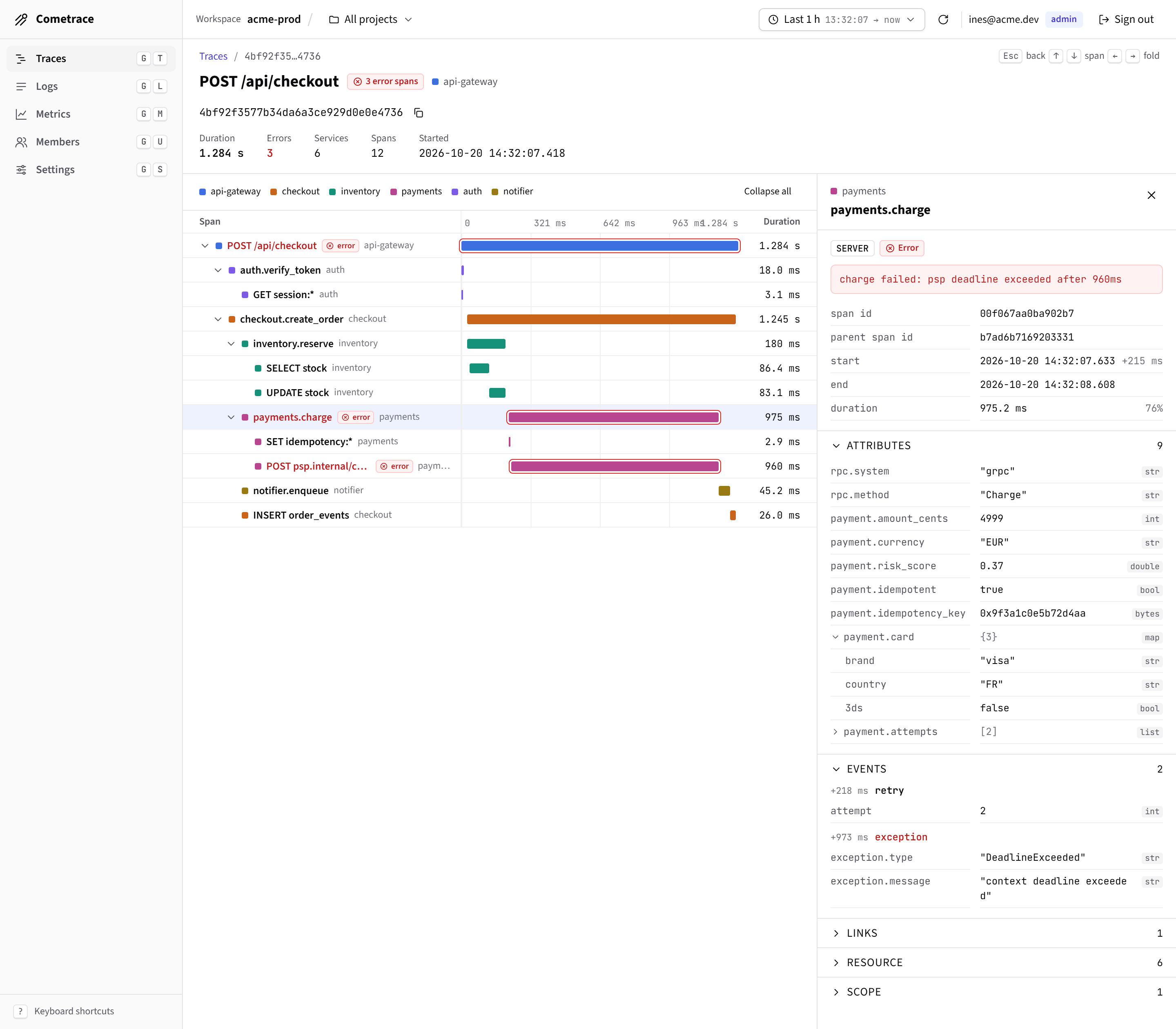
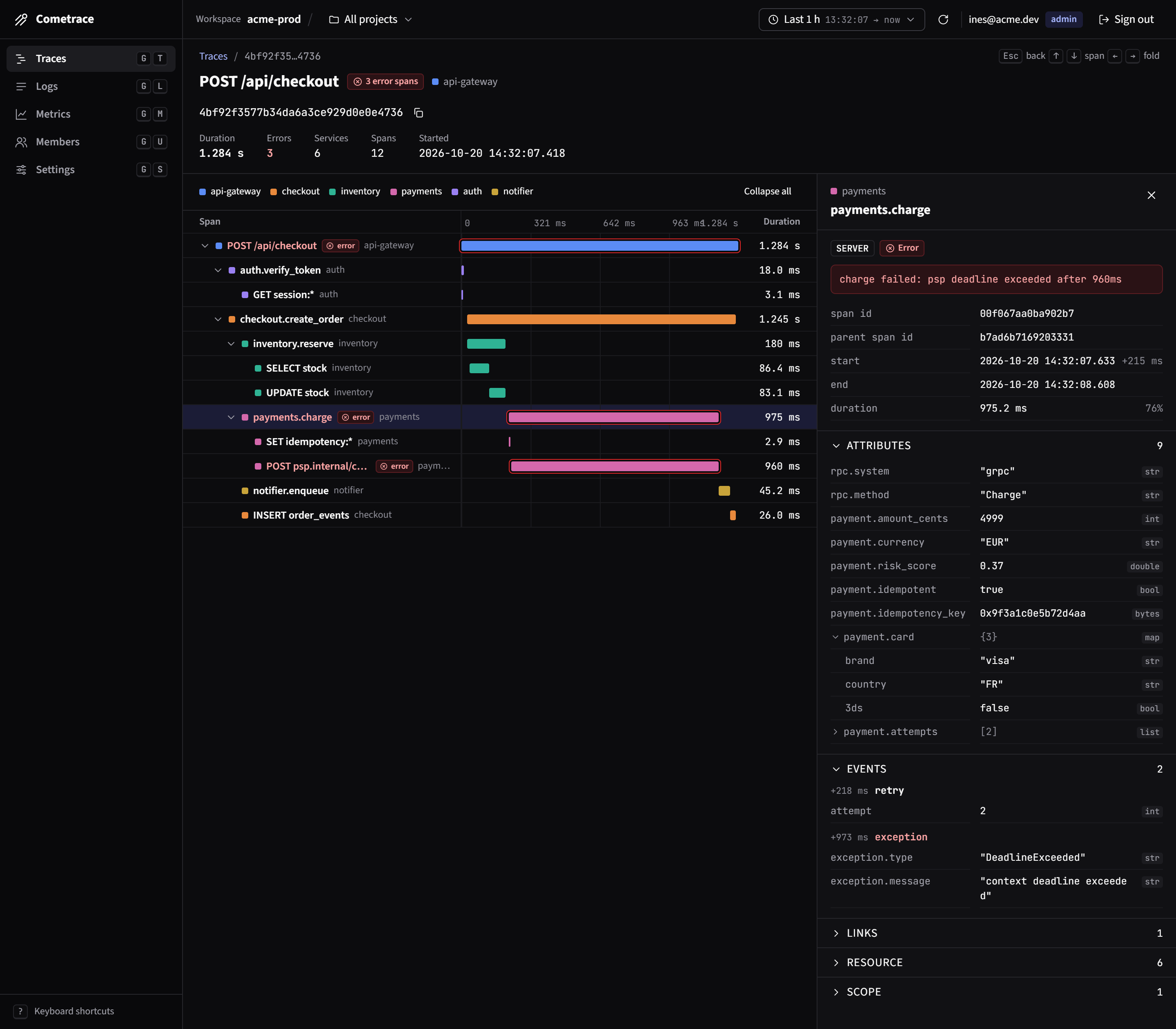
Open Traces with the range set to Last 15 m. If nothing shows up:
| Symptom | Fix |
|---|---|
| 401 from the exporter | The key is wrong or revoked. Issue a new one in Settings › Ingest keys. |
| 404 from the exporter | The endpoint has a path. Set the base URL only; SDKs add /v1/traces. |
| No error, no data | Check the project selector in the top bar, then widen the time range. |